.jpg)
Most small business owners and founders just want one thing: a chatbot on their website that can answer basic customer questions without them having to be online 24/7. What they get instead is a three-week infrastructure project.
1.The Setup Nobody Warned You About
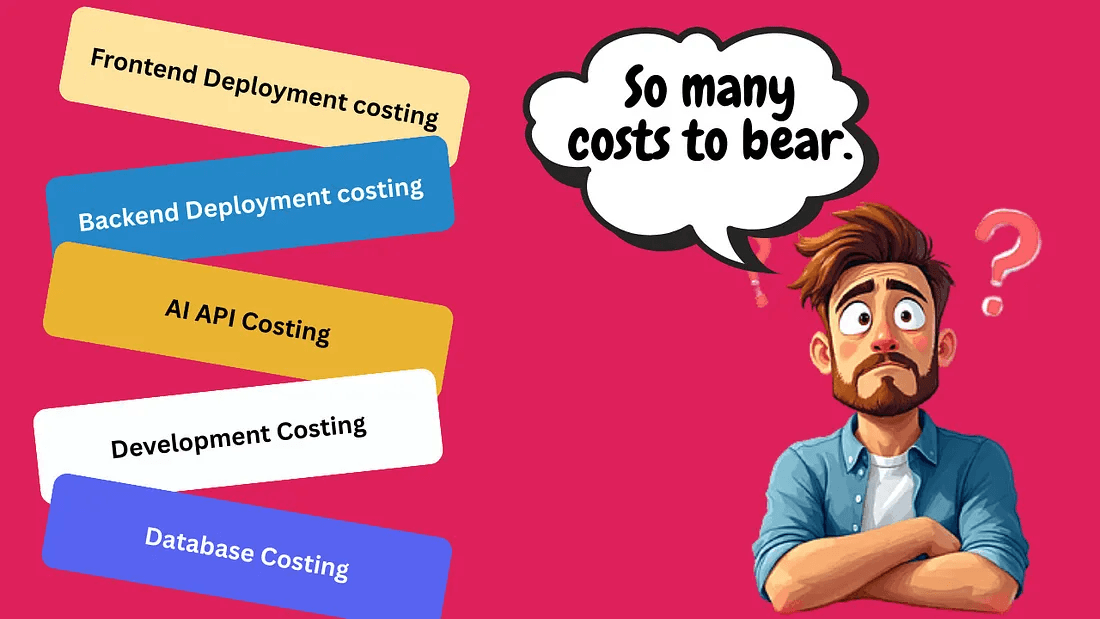
Talk to anyone who has tried to add an AI chatbot to their website recently, and they will tell you the same story. You start with a simple idea and end up three weeks later knee-deep in API keys, server configurations, and frontend code you did not plan to write.
The typical path looks something like this.
That is not an exaggeration. For a lot of businesses, the cost of running a self-built AI chatbot ends up being higher than their entire web hosting bill. And the time spent maintaining it quietly eats into hours that should be going toward the actual business.
2.But Why Even Have an AI Chatbot?
Before talking about a better way, it is worth being clear about why an AI chatbot on your website is actually useful.
The biggest reason is simple: most of the questions your customers ask are the same questions, asked over and over again.
- What are your pricing plans?
- Do you offer a free trial?
- How do I reset my password?
- What is your refund policy?
These are not hard questions. They do not need a human to answer them. But if no one answers them quickly, visitors leave. They go find a competitor who made it easier to get a quick answer.
The problem was never whether AI chatbots are useful. The problem has always been that building one from scratch is far more work than it should be.
3.There Is a Simpler Path
This is where WidgetKraft comes in. Rather than building everything yourself, WidgetKraft gives you an AI chatbot that is already built.
- Train it on your own content documentation, FAQs, or website pages
- Customize it to match your brand
- Embed a small piece of code on your site
- It is live that is the entire process
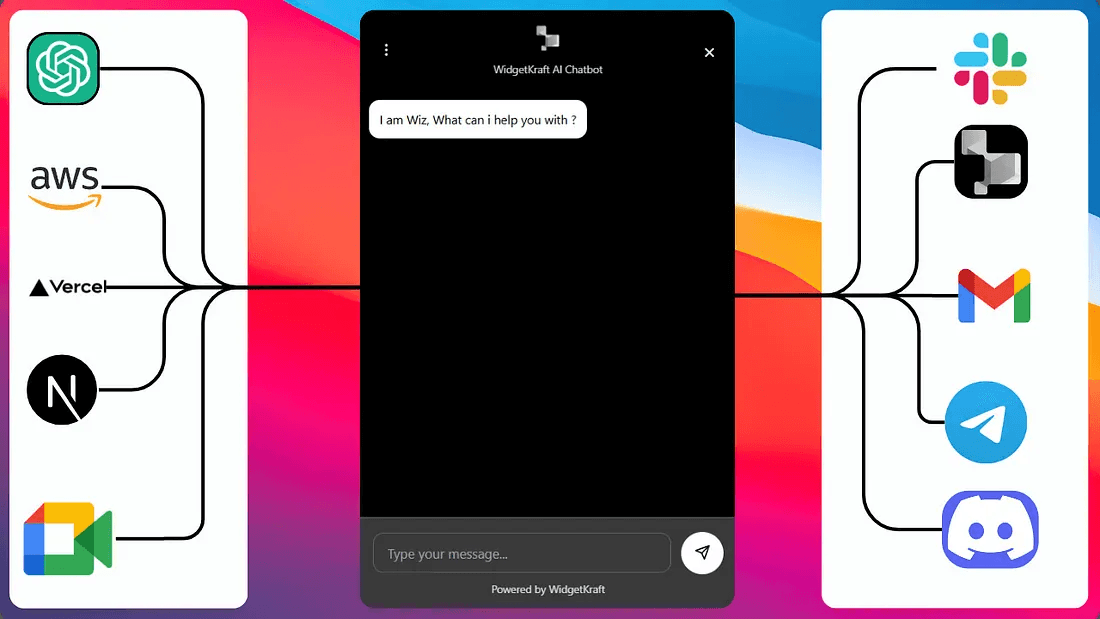
No backend to set up. No API integrations to manage. No hosting infrastructure to worry about.
And it goes beyond just the chatbot. WidgetKraft also includes live chat so your team can step in when a human response is needed.
4.The Real Cost Comparison
If you have been considering building your own AI chatbot, it helps to take a step back and evaluate the full scope first.
- Developer hours to build and maintain
- Cost of APIs at scale
- Hosting and infrastructure
- Ongoing debugging and updates
Then align that with what you actually need the chatbot to accomplish. For many businesses, those needs are already met by existing solutions without requiring custom backend development.
In many cases, choosing a solution that is already built and ready to use is the most practical and efficient approach.
Your AI chatbot should take minutes, not weeks.
WidgetKraft gives you an AI chatbot trained on your content, live chat with Slack integration, and a fully customizable widget all through a single embed. No backend. No infrastructure. No maintenance overhead.
Focus on your business. Let the chatbot handle the repetitive questions.