.jpg)
Managing a website today means juggling five different tools just to talk to your visitors. Every touchpoint lives somewhere different. And your team is paying the price.
1.Too Many Tabs Every Morning
If you run a business website, you probably know this feeling.
You open your laptop in the morning and you already have tabs for your live chat tool, your contact form inbox, your chatbot platform, and maybe a separate comments section somewhere.
- Each one has its own login
- Each one sends its own notifications
- Each one has a dashboard you have to learn, manage, and pay for separately
- And none of them talk to each other
This is not a small inconvenience. It actually slows your team down.
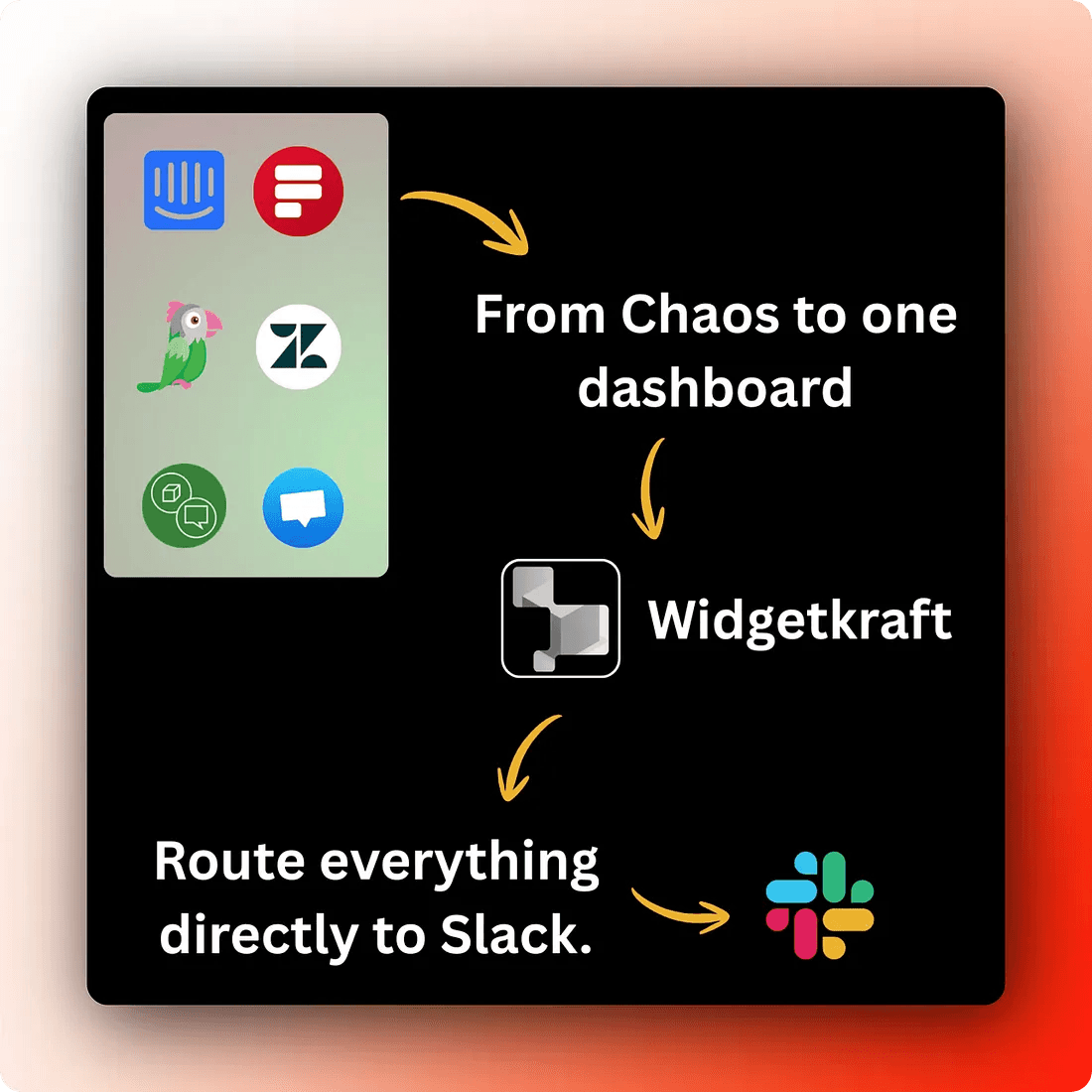
2.The SaaS Sprawl Problem Is Real
The software industry has done a great job of building specialized tools. There is a best-in-class product for almost everything.
But at some point, best-in-class for one thing starts to mean one more dashboard to check.
For small teams especially, this adds up fast. You are not just paying more. You are also spending time switching contexts, logging into different accounts, and trying to piece together a picture of how visitors are actually interacting with your site.
That picture is almost impossible to see when the data is scattered across four platforms. Most business owners do not realize how much time this costs until they sit down and count the tabs.
3.What Website Engagement Actually Looks Like in Practice
Think about what a visitor does when they land on your site.
- They might want to ask a quick question before buying
- They might want to leave a comment on a blog post
- They might fill out a contact form
- Or they might just browse and you want to understand where they go
Each of these touchpoints matters. But right now, each one probably lives in a different tool. And if you are a small team, you are likely missing responses because no one is watching every inbox all the time.
4.One Place to Handle It All
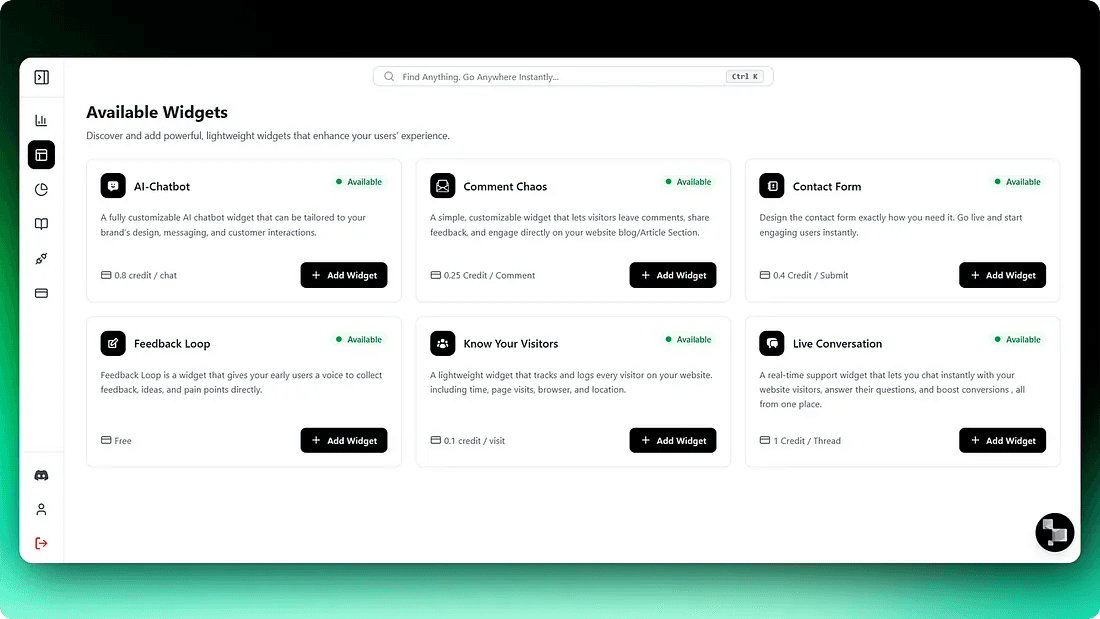
This is where WidgetKraft fits in. It is a lightweight platform that brings all your website engagement tools into one place.
You install it once. That is it. No backend setup. No complex integrations.
What makes it practical for small teams is the Slack-first approach.
When a visitor starts a chat or fills out a form, your team gets notified in Slack and can reply directly from there. You do not need another dashboard open. You respond where you already work.
5.The Shift Worth Making
The goal is not to find the perfect tool for every job.
The goal is to spend less time managing tools and more time actually talking to your customers.
- Know which pages get the most questions
- Know where visitors drop off
- Know which leads came through chat versus form
- Your team is not scattered across five inboxes just to stay on top of things
For a lot of businesses, it is the difference between a team that feels on top of things and one that is constantly catching up.
One embed. Every visitor touchpoint.
WidgetKraft replaces your scattered engagement stack with a single lightweight platform. Live chat, AI chatbot, contact forms, comment boxes, visitor tracking all through one install, all notifying you in Slack.
Spend less time managing tools. Spend more time talking to customers.