.jpg)
Most businesses spend years building a great product. Then they lose customers because someone did not get a reply fast enough. It is not because the team does not care. It is because support lives in the wrong place.
1.Your Team Already Lives in Slack
Most businesses spend years building a great product. Then they lose customers because someone did not get a reply fast enough.
It is not because the team does not care. It is because support is scattered.
- Emails pile up
- Tickets sit unread
- The person who could answer in two minutes has no idea the question even came in
Look at how your team actually works. Tasks get assigned in Slack. New hires get onboarded there. Daily standups happen in a channel. When something urgent comes up, someone sends a Slack message.
Your team is not checking dashboards all day. They are in Slack. That is just the reality for most modern companies.
If your team handles everything in Slack, why is customer support somewhere else entirely?
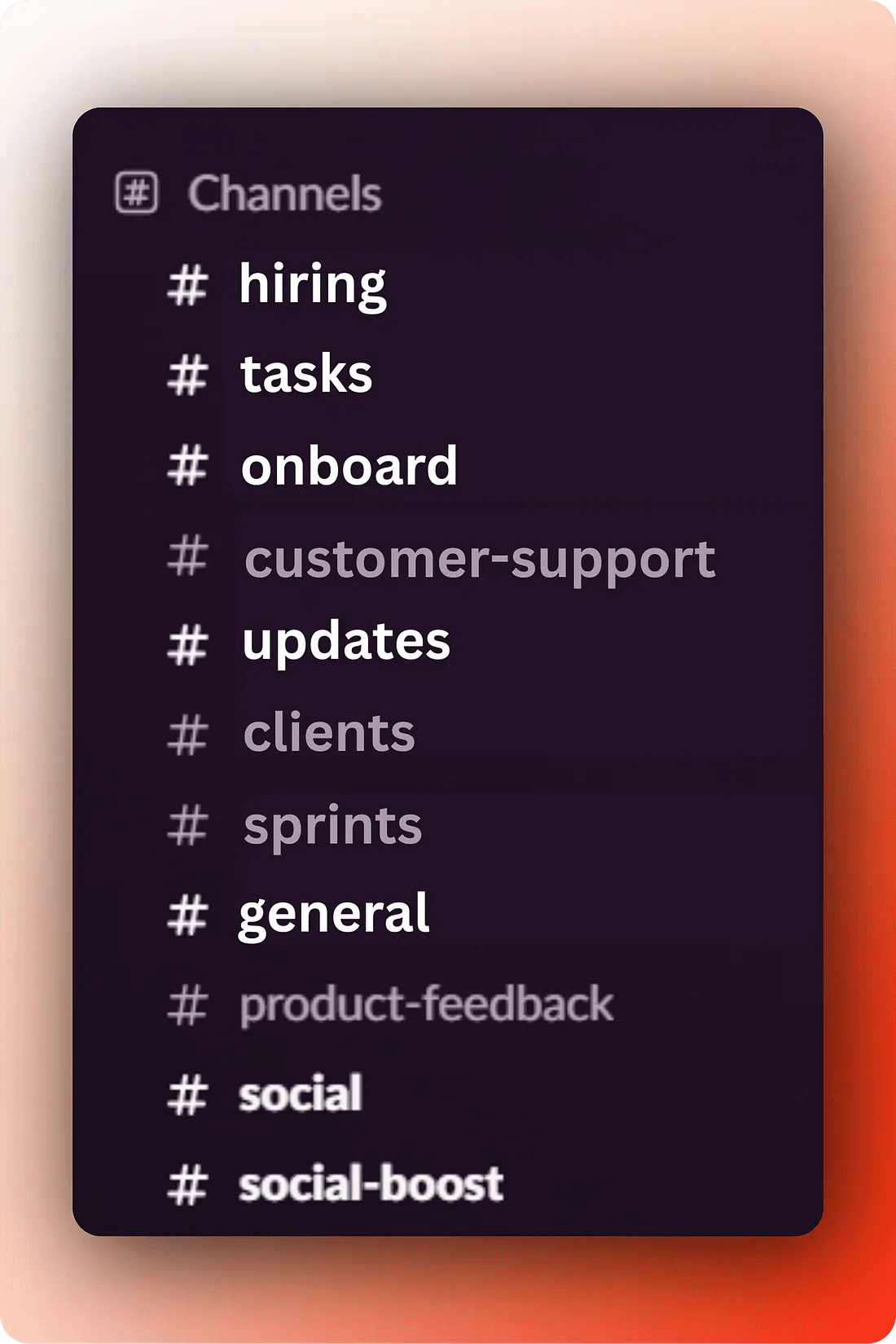
2.What If Customer Queries Came Straight Into Slack?
Imagine a visitor lands on your website. They have a question. They type it in your chat widget. And instead of that message going into some separate inbox nobody is watching, it drops directly into a Slack channel where your team already is.
- No tab switching
- No logging into a support tool
- No checking the inbox later
- You just see the message and reply, it takes ten seconds
That is not a fantasy. WidgetKraft is built exactly for this. It puts a live chat widget on your website, and every conversation comes right into Slack. Your team replies from wherever they already are.
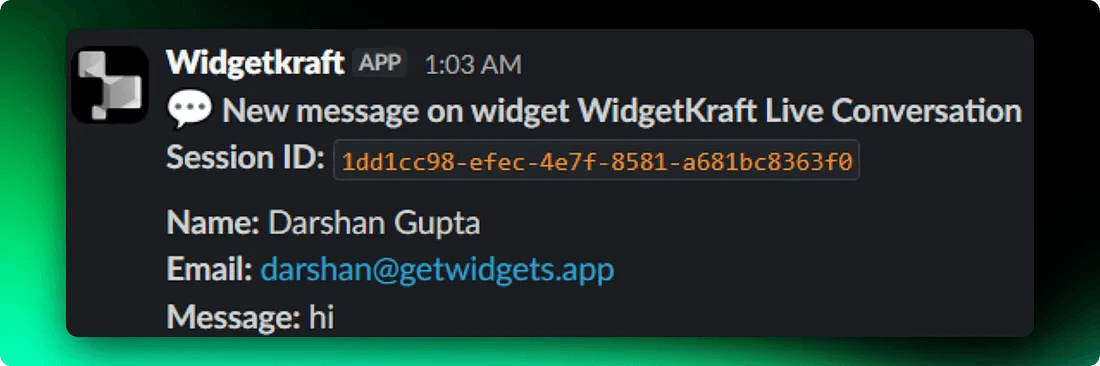
3.Getting Notified Instantly, Where You Actually Work
The biggest reason support feels slow is that notifications live in the wrong place. Someone fills out a form and you find out two hours later when you happen to open a new tab.
When your support is tied into Slack, the notification is immediate.
Someone sends a message on your site, a ping shows up in your channel. You see it the same way you would see a message from a teammate.
4.Sharing Files Is Part of Good Support Too
Sometimes answering a customer question is not just typing a reply. You need to send a screenshot, a PDF guide, a short video walkthrough.
Good support is often about giving people the right material at the right moment.
- No attachments going missing in a support tool
- No file format issues
- No back and forth asking people to resend things
- You just drop the file in and the customer gets it
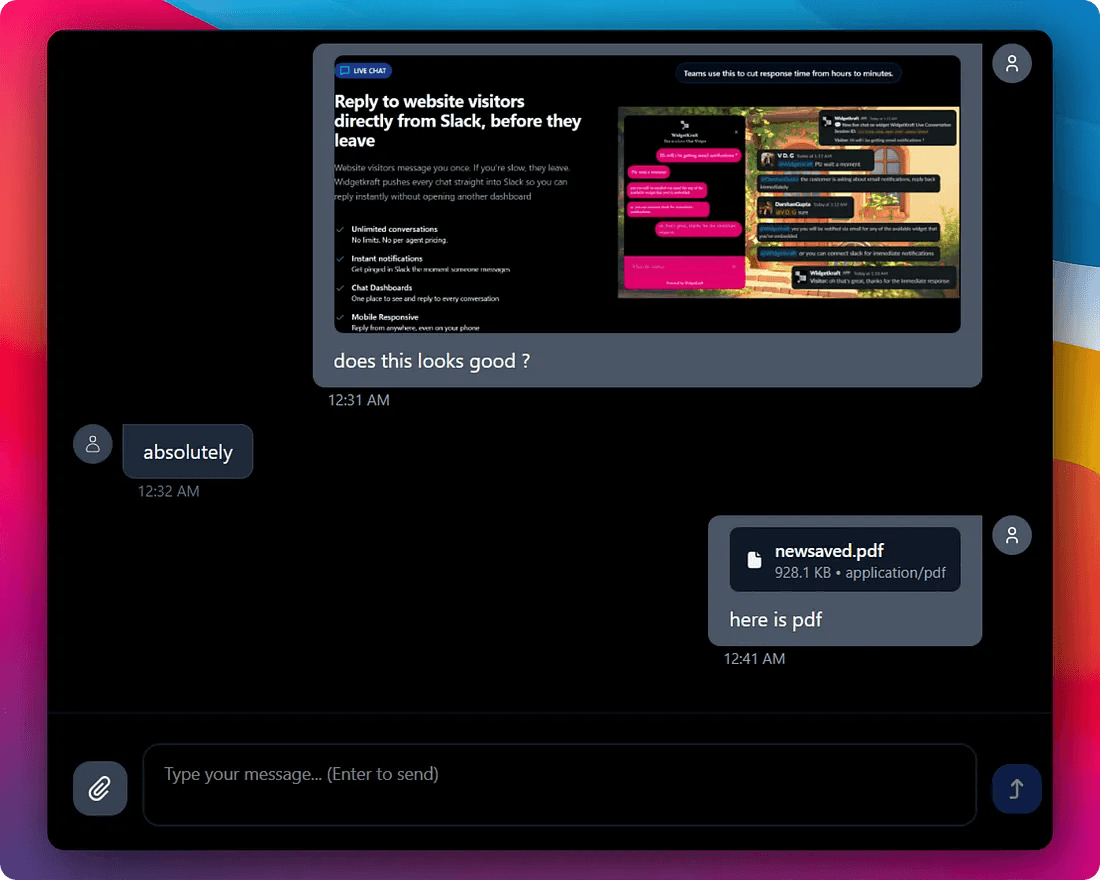
5.Knowing Who You Are Talking to Changes Everything
Not everyone who reaches out to you is the same kind of visitor. Some people are browsing your site for the first time. Others are already paying customers using your product.
The conversation you would have with each of them is completely different.
WidgetKraft lets you see exactly who is on the other end of a conversation. You can tell whether the message came from a first-time website visitor or someone already logged into your app.
6.Getting Started Is Genuinely Simple
One reason support setups stay broken for a long time is that fixing them feels like a big project. Installing new software, training the team, migrating data.
WidgetKraft keeps this as simple as it gets.
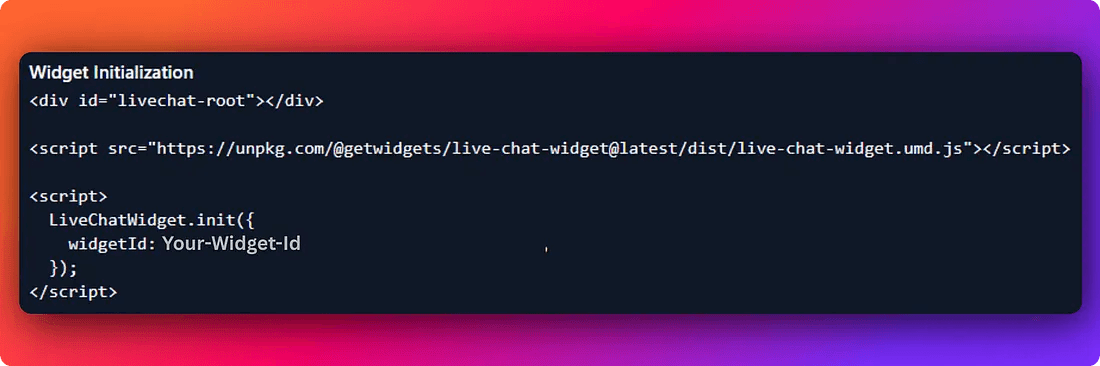
- Add a few lines of code to your website
- Connect Slack
- Your team can start responding to visitors right away
If you have been putting off fixing your customer support workflow because it seemed like too much work, this particular fix takes about as long as making a cup of tea.
7.The Bottom Line
Your team is already in Slack. Your customers are already on your website. Connecting those two things is just common sense.
- Responses get faster
- Nothing falls through the cracks
- Customers feel like they are actually being heard
For a lot of businesses, it is the difference between someone becoming a loyal customer or quietly going to a competitor.
Put support where your team already is.
WidgetKraft puts a live chat widget on your website and routes every conversation directly into Slack. Your team replies without switching tools. Your customers get answers in minutes.
Setup takes a few minutes. No long onboarding. No complicated configuration.